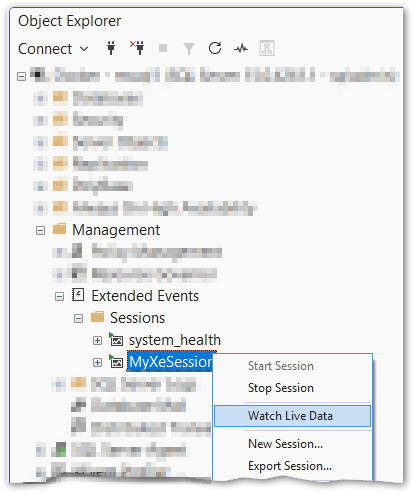
Once you have an XE session running, you can stream its events live in SSMS without needing a file target. Right-click the session in Object Explorer and choose Watch Live Data.
Caveats:
- No memory, no history. There is no target backing the session, so you can only see events that fire while you are actively watching. Anything that happened before you opened the live view is gone.
- The session keeps running. Closing the Watch Live Data tab does not stop the session. It is still capturing and discarding events in the background - like a tree falling in a forest with no one around to hear it. Stop or drop the session explicitly when you are done.